Why you keep ignoring app limits, and when limits actually help
If you tap "Ignore Limit" every day, the problem may not be that you lack discipline.
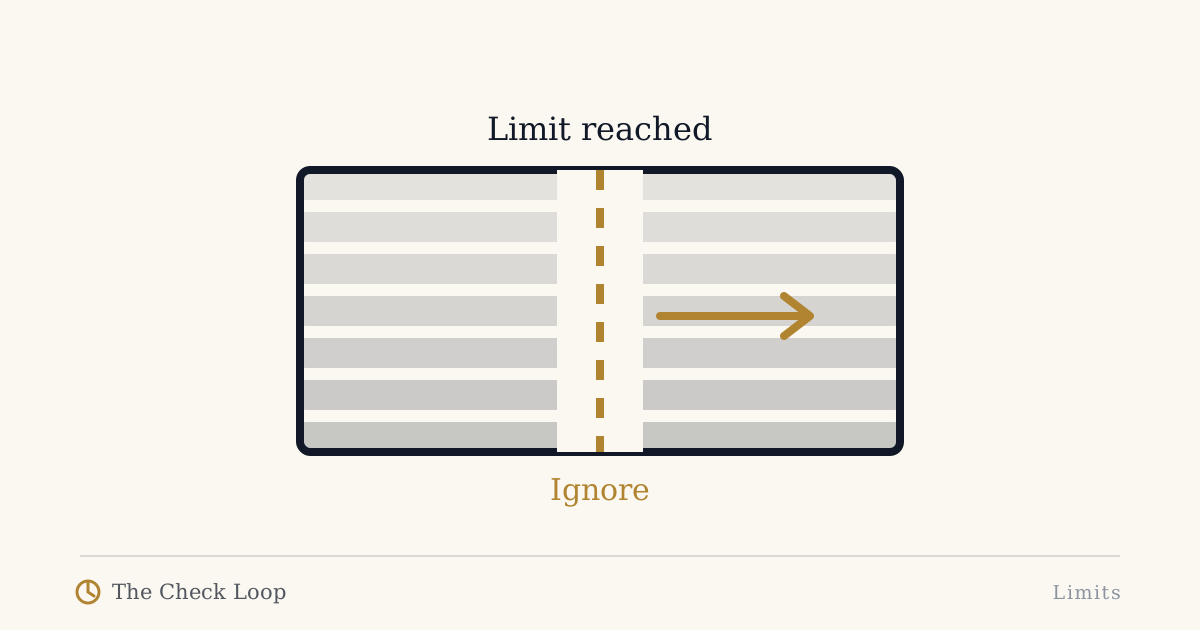
If you tap "Ignore Limit" every day, the problem may not be that you lack discipline.
The limit may be solving the wrong problem.
App timers and blockers can help. Research on digital self-control tools does not support the claim that they are universally useless. But the evidence also does not justify treating every unwanted phone behavior as a simple minutes-per-app problem.
A timer asks one question:
How long have you used this app?
Your actual problem may be different:
- Why did I open it?
- Why did I open it during work?
- Why did I continue after the useful task ended?
- Why is the override easier than the decision I wanted to make?
- Why does the same context trigger the same check tomorrow?
Those are Check Loop questions.
Reason 1: the limit appears too late
Imagine this sequence:
- You unlock automatically during a difficult work task.
- You open a social app.
- You scroll for fifteen minutes.
- Later that evening, the app timer finally appears.
The intervention acted on total duration, not the cue that started the unwanted session.
If the cost was the interruption itself, a daily timer is late.
A better intervention may happen before the reach:
- phone farther away,
- notification removed,
- app one step harder to enter,
- a focus mode tied to the work context.
Reason 2: the limit blocks wanted use and unwanted use equally
Suppose you use Instagram both to message friends and to drift through the feed.
A twenty-minute daily limit cannot distinguish those intentions.
When the limit blocks something you actually want to do, overriding it is rational.
After enough legitimate overrides, the button stops representing a meaningful decision.
It becomes another tap.
This is why user-defined boundaries matter. Research on digital self-control tools has found that people want systems that adapt to their own definitions of distraction and provide enough support without excessive coercion.
A good limit should protect a goal you recognize, not enforce an arbitrary number you resent.
Reason 3: the override has become part of the habit
Friction only works while you still notice it.
If your sequence becomes:
open app -> timer -> ignore -> continue
then the timer is no longer a decision point. It is part of the motor routine.
This does not prove that friction is useless.
It means this particular friction has lost salience.
You may need to change the form of the intervention rather than simply increase the number of warnings.
Examples:
- physical distance during one context,
- a harder block during a narrowly defined period,
- removing the icon rather than showing another prompt,
- changing the entry path,
- using a different device for a specific activity.
Reason 4: the problem is Lost Intention, not app entry
You may need the app.
You open it to reply to a message.
You complete the task.
Then you continue scrolling.
That is Lost Intention.
A blocker in front of the app can be irritating because the original entry was valid.
The better intervention may be an exit:
- after the reply, lock the phone,
- put it back before choosing another activity,
- use direct entry to messages where possible,
- ask whether you would unlock the phone specifically for what you are doing now.
If not, the useful task probably ended.
A timer cannot see that boundary. You can.
Reason 5: the number was never connected to a real problem
Why is your limit thirty minutes?
Why not twenty-seven? Or forty-two?
Many people choose a round number because the interface asks for one.
But a number without a behavioral rationale is easy to negotiate against.
A better goal might be:
- no automatic social checks during coding,
- no feed after replying to bedtime messages,
- no bathroom scrolling,
- two deliberate news sessions a day,
- social use after dinner by choice, not during every transition.
Those goals are tied to contexts and costs.
A timer can support them, but the timer is no longer the strategy. It is one implementation detail.
App limits can work when the problem is actually duration
There are situations where a timer is well matched.
For example:
- you intentionally play a game but want a boundary around the session,
- you deliberately use a social app but regularly stay longer than planned,
- you want a reminder that a chosen entertainment block has reached its end,
- you are testing whether a defined cap changes your behavior.
In those cases, the app limit arrives at the right stage.
The use was intentional. Duration is the variable you want help controlling.
That is different from automatic checking.
Hard blocks versus soft limits
A soft limit asks.
A hard block enforces.
Neither is automatically superior.
A hard block can be excellent for a narrow period where access truly is unnecessary.
It can also be disastrous if it blocks authentication, work communication, travel, or a legitimate social need.
Research reviews of digital self-control interventions show a wide range of approaches, from timers and lockouts to goal reminders and interface changes. The overall lesson is not "harder is better". It is that intervention design and context matter.
Use the minimum enforcement that still protects the goal.
Diagnose the failure using the Check Loop
Write one failed limit episode like this:
Cue: What happened before I opened the app?
Reach: Was opening deliberate or automatic?
Drift: Did the use remain connected to the original purpose?
Repeat: What made the next check likely?
Then ask where the limit acted.
If the problem started at Cue but the limit acted twenty minutes later, move the intervention earlier.
If the problem was Drift after a legitimate task, design an exit.
If the problem was Repeat, reset the environment after use.
This turns "I have no self-control" into a testable design problem.
A better one-week experiment
Do not add five limits.
Choose one app and one context.
Example:
Problem: I open Reddit during coding waits.
Old intervention: sixty-minute daily Reddit limit.
New intervention: phone behind laptop during coding, Reddit removed from first home screen, no restriction after work.
After seven days, compare:
- number of automatic checks,
- number of overrides,
- whether legitimate use became annoying,
- whether the intervention stayed enabled.
If the new setup works better, you learned something important: your problem was context and access, not total daily time.
Do not make app limits the enemy
App limits are tools.
A timer that helps you is useful.
A timer you override automatically is data.
It tells you the intervention is not creating the decision you need.
Change the placement of the friction, not your opinion of yourself.
Continue
- Phone Friction
- How to Stop Automatic Phone Checking
- Lost Intention
- Why Your Digital Detox Didn't Stick
The book includes a friction audit designed to find the smallest intervention that still changes the loop.
Sources
- Monge Roffarello, A., & De Russis, L. (2023). Achieving Digital Wellbeing Through Digital Self-Control Tools: A Systematic Review and Meta-Analysis. https://doi.org/10.1145/3571810
- Lyngs, U., et al. (2022). The Goldilocks level of support. https://doi.org/10.1016/j.ijhcs.2022.102869
- Biedermann, D., et al. (2021). Digital self-control interventions for distracting media multitasking - A systematic review. https://doi.org/10.1111/jcal.12581
The Check Loop
The Check Loop is a field manual for noticing automatic phone use, adding useful friction, and keeping the smartphone you actually need.