How to stop doomscrolling without deleting social media
You do not necessarily need to delete social media to stop every unplanned scrolling session.
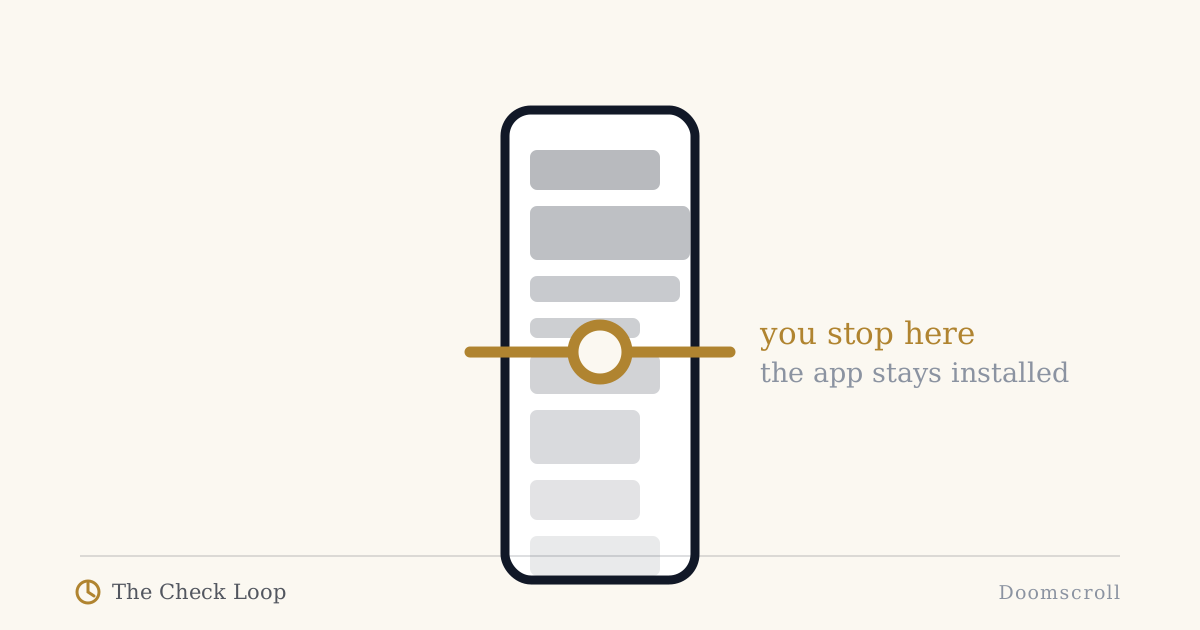
You do not necessarily need to delete social media to stop every unplanned scrolling session.
Deletion is one intervention. It is not the only one.
If you still want social media for friends, communities, work, events, or chosen entertainment, the more useful target may be the transition from purposeful entry to open-ended feed.
In The Check Loop, that transition is part of:
Cue -> Reach -> Drift -> Repeat
Doomscrolling is often discussed as if the problem begins once you are already twenty minutes deep in a feed.
The better place to look is earlier.
Why did you enter?
What did you intend to do?
When did that task end?
What made the next scroll easier than stopping?
First, separate doomscrolling from any long scroll
The term "doomscrolling" usually refers to prolonged consumption of negative, distressing, or anxiety-provoking information.
Not every long social session is doomscrolling.
Sometimes you simply scroll longer than intended through entertaining or neutral content.
The intervention can overlap, but the distinction is useful.
If the content itself is increasing anxiety or distress, you may need to change information sources, exposure, or seek appropriate support in addition to changing the phone habit.
If the main problem is that any open-ended feed absorbs more time than you meant to give it, Lost Intention and friction are especially relevant.
Decide why you are opening the app
Before entry, name the purpose.
Examples:
- reply to Sam,
- check the event details,
- post one update,
- read the saved thread,
- browse for fifteen minutes because I choose to.
The last one still counts.
Intentional use does not mean every social session must be productive.
The important difference is whether the session has a chosen beginning.
Avoid feed-first entry when possible
A lot of social apps make the feed the default lobby for every purpose.
You may want one message, one profile, or one notification, but entry exposes you to a stream of unrelated options.
Where possible:
- enter from a direct notification you actually chose to keep,
- use search for the person or destination,
- use bookmarks or direct links,
- open a message thread directly,
- use the web version if it creates a more deliberate path.
The objective is not to make the service painful.
It is to reduce accidental contact with the most open-ended surface when your purpose is narrow.
Notice the moment the original task ends
This is Lost Intention.
You replied to the message.
You checked the post.
You found the information.
Now the reason is over.
The crucial question is:
Do I want to start a new activity?
If yes, choose it.
If no, leave.
A simple technique is to lock the phone after the original task before deciding what comes next.
You can unlock it again immediately.
The lock is a boundary, not a punishment.
Add friction before the feed, not before every useful action
If you need the app for communication, a total block may be too crude.
Try selective friction:
- remove the app from the first home screen,
- use search to open it,
- add a short delay to feed-heavy apps,
- keep notifications only for direct human communication,
- disable badges that create vague urgency,
- use a browser for the feed and the app for messages, where that separation is practical.
Digital self-control research suggests that users often prefer support that is strong enough to change behavior without becoming so coercive that they abandon it.
That is the target here.
Design the end of the session
Open-ended feeds have weak natural stopping cues.
So create one.
Examples:
- one saved article, then exit,
- reply to three messages, then exit,
- fifteen-minute chosen browse with a real timer,
- stop at a physical transition such as lunch ending,
- when the original task is complete, phone returns to its parking place.
A timer can be useful here if duration is genuinely the variable you want to control.
The key is that the timer supports a chosen session rather than trying to repair every automatic entry later.
Change what happens when boredom appears
Doomscrolling often starts because a quiet moment needs an immediate answer.
Research on boredom and digital-media use suggests a bidirectional relationship: boredom can drive media use, while some patterns of media use can also leave people more vulnerable to boredom.
You do not need to romanticize boredom or stare at a wall to prove a point.
But if every micro-pause becomes a feed, the phone never has to compete with another response.
Choose a few alternatives that match the context:
- walk to get water,
- look outside,
- stretch,
- write one note,
- continue doing nothing for thirty seconds,
- read something you deliberately saved.
The goal is to give the cue more than one possible response.
Protect the contexts where the cost is highest
You may not need to reduce social media equally everywhere.
Start with the places where drift costs you something important:
- in bed,
- during coding,
- in the bathroom,
- during conversations,
- during family time,
- during short work breaks that turn into long ones.
A context-specific rule is easier to understand than "use social media less".
For example:
Social media is available after dinner, but not as the default action during coding waits.
That is a real design choice.
Do not replace one endless feed with another
If you delete one app and immediately move the same checking behavior to news, Reddit, YouTube, shopping, or email, the loop has migrated.
That is useful information.
The underlying cue may be boredom, task avoidance, or a learned need for novelty rather than attachment to one brand.
Track the behavior at the loop level, not only the app level.
A one-week anti-doomscrolling experiment
Pick one social app.
For seven days:
- Name the purpose before opening.
- Enter through the narrowest practical path.
- When the purpose ends, lock the phone.
- If you want to continue, make it a new explicit choice.
- Put the phone back when the chosen session ends.
Do not try to become a different person in seven days.
You are testing whether adding decision boundaries changes the session.
If deleting the app is still the best answer, delete it
The Check Loop is not ideologically opposed to deletion.
If an app provides little value and repeatedly creates use you do not want, removal may be the cleanest friction available.
The point is that you should not have to delete every useful digital service just because one feed is hard to leave.
Use the smallest intervention that actually changes the loop.
Continue
- Lost Intention
- Phone Friction
- How to Stop Automatic Social Media Checking
- How to Use Your Phone More Intentionally
The book includes the full seven-day Check Loop field test for feed-driven sessions.
Sources
- Lukoff, K., et al. (2018). What Makes Smartphone Use Meaningful or Meaningless? https://doi.org/10.1145/3191754
- Lyngs, U., et al. (2022). The Goldilocks level of support. https://doi.org/10.1016/j.ijhcs.2022.102869
- Review of digital media use and boredom: https://pmc.ncbi.nlm.nih.gov/articles/PMC11532334/
- Monge Roffarello, A., & De Russis, L. (2023). Achieving Digital Wellbeing Through Digital Self-Control Tools. https://doi.org/10.1145/3571810
The Check Loop
The Check Loop is a field manual for noticing automatic phone use, adding useful friction, and keeping the smartphone you actually need.